
64 Results
Strategy Guides
As students work together on projects, they learn valuable skills for collaborating, managing group dynamics and conflict, and building on one another’s strengths.
Strategy Guides
Whether your students exhibit their work products during the course of the project, at the end, or both, you’ll want to have many sets of eyes on their public products. An audience feedback form is a tool used to actively engage the audience at an exhibition.
Strategy Guides
A rubric is more than a tool to assess final products. It is a tool that should be leveraged throughout the project to support multiple kinds of learning opportunities for your students. This guide offers strategies for using rubrics to aid learning at each phase of a project.
Strategy Guides
Effective teams require us to think carefully about the kind of work students will be doing throughout the project. What outcomes are most important? How can we utilize teams so students effectively reach those outcomes?
Strategy Guides
The need to know questions that initiated inquiry at the beginning of the project are central to students’ learning as they follow the project path. Need to know questions are revisited throughout the project in order to track learning and support sustained inquiry.
Planning Tools
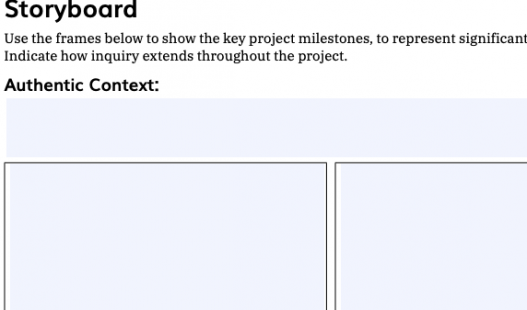
This planning document is designed to help you list the key project milestones, to represent significant moments or stages.

(Online Tool)
Create & sustain district-wide PBL initiatives at all levels of the organization.
(Online Tool)
Learn how to bring coherence to PBL practices across grade levels and subject areas.
(Online Tool)
Learn how to design, assess, and manage projects that engage and motivate students.
(Online Tool)
These projects are meant to inspire your own ideas or may be adapted to fit classroom needs.
(Online Tool)
Plan your project online - and digitally share it with others - by summarizing its key pieces.
Planning Tools
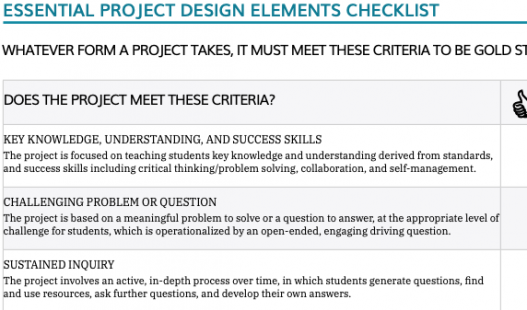
For quick evaluation of a project's design, to check for Gold Standard PBL's Essential Elements.
Planning Tools
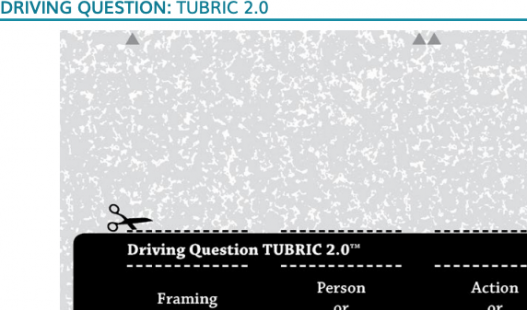
Frame the DQ's initial words, person or entity, action or challenge, and audience/purpose.
Planning Tools, (Document)
Scaffold the knowledge & skills students needed for the project's major products & presentation.
Planning Tools, (Document)
The Project Overview form helps you plan your project by summarizing its key pieces on two pages.
Planning Tools
Plan how to use formative assessment in a project to be sure students are learning content and building 21st century competencies
Planning Tools, (Document)
Elementary math Project Design Overview & Student Learning Guide.